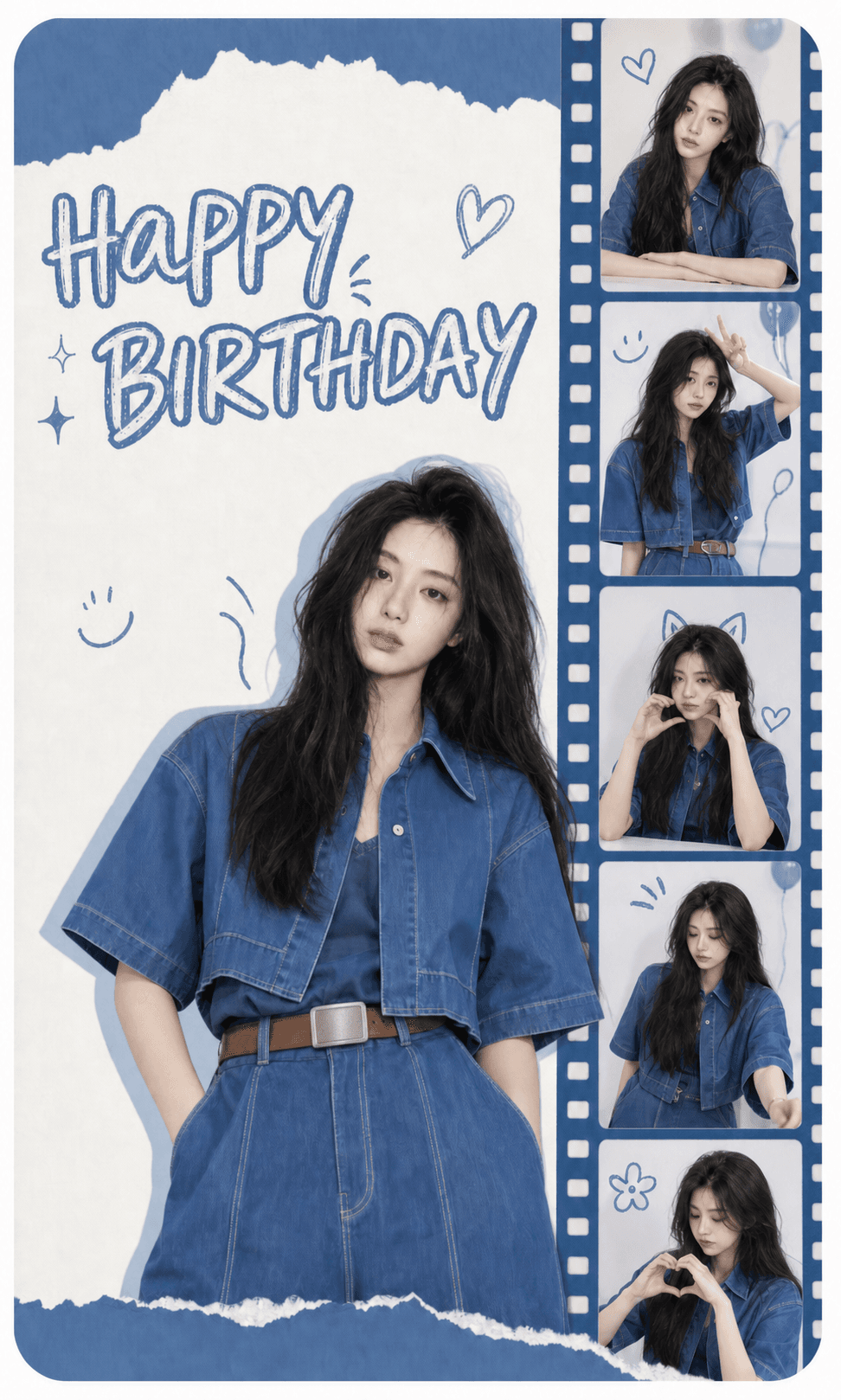
 6 photos
Blue Filmstrip
Blue paper textures with a vertical filmstrip collage.
Artist-made by @photocardai
Photocard.ai Studio Original concept and template art direction Paid artist
Playful celebration layouts
Build a personal birthday card with paper layers, filmstrips, ribbons, confetti, and fan-edit energy. The required portrait count is shown before you open the maker, so you can prepare every image in the correct order.
Blue Filmstrip
Artist-made by @photocardai
5 editable templates
Every preview below opens the shared card maker with the selected layout and its required portrait count already active.
6 photosBlue paper textures with a vertical filmstrip collage.
Artist-made by @photocardai
Photocard.ai Studio Original concept and template art direction Paid artist
 3 photos
Cream and pink paper cutouts with playful sticker details.
Artist-made by @photocardai
Photocard.ai Studio Original concept and template art direction Paid artist
 7 photos
Pink-and-blue scrapbook layers with glossy pop details.
Artist-made by @photocardai
Photocard.ai Studio Original concept and template art direction Paid artist
 2 photos
Blue notebook paper, taped snapshots, and hand-drawn marks.
Artist-made by @photocardai
Photocard.ai Studio Original concept and template art direction Paid artist
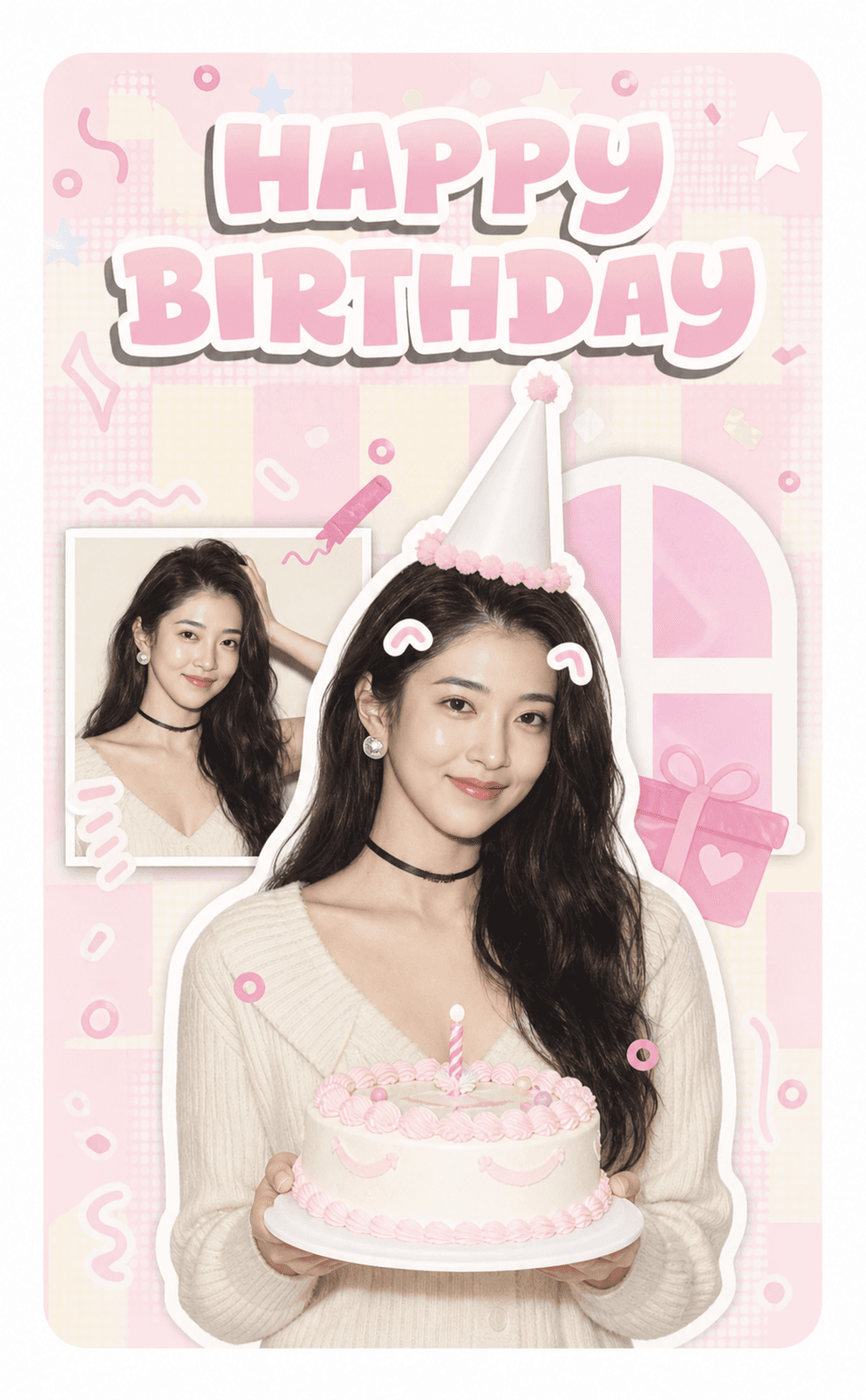 2 photos
Soft pink party graphics with layered portrait cutouts.
Artist-made by @photocardai
Photocard.ai Studio Original concept and template art direction Paid artist
Photo checklist
Birthday layouts use between two and seven ordered photos. Select the template first, then prepare the displayed number of permitted portraits so no slot is silently filled or discarded.
Quick answers
The current birthday collection includes two-, three-, six-, and seven-photo layouts. Each template displays its exact requirement.
Yes. Upload the permitted portraits in visible order. The editor keeps that order when it sends the images into the selected layout.
The current templates use restrained generic birthday lettering and do not promise accurate custom names, ages, or dates inside the generated artwork.
Related collections
Album concept
Browse original K-pop album concept templates for one portrait, then create an identity-preserving studio photocard with a free preview.
Photobooth
Browse four-photo photobooth templates with direct flash, instant-film frames, consistent identity, and editable online previews.