Noir Editorial
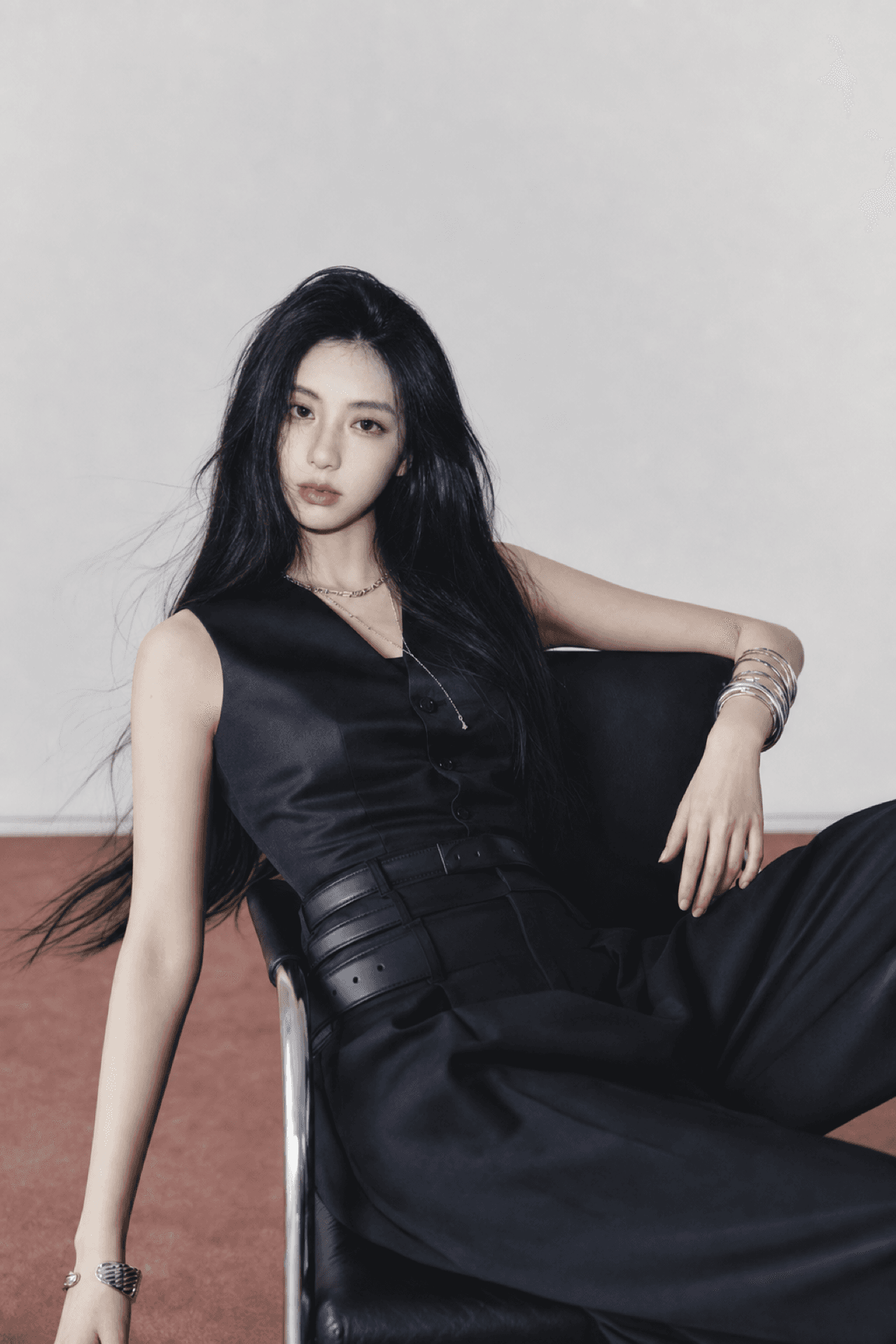
1 photoMinimal gray studio light with sleek black tailoring.
Artist-made by @photocardai


Start here
Your portrait
Private uploads · Deleted after 24 hours · Protected face region restored
Original templates
Start with the kind of card you want, then choose the exact layout and finish. Your photo remains the identity reference.
This filters the template library.
Editorial studio lighting and polished comeback-inspired scenes.
Album · Noir Editorial
Minimal gray studio light with sleek black tailoring.
Artist-made by @photocardai
This layout uses 1 portrait.
How to use
Make the creative choices together, then review the result before downloading anything.
Choose a sharp photo with one visible face and enough space around the head and shoulders.
Compare the available examples and select the lighting, setting, and finish you want.
Check the watermarked preview, then unlock the native 4K PNG or print-ready files when it looks right.
Original templates
Start with the mood you want. Every card shows the exact number of portraits required before you open the editor.
Minimal gray studio light with sleek black tailoring.
Artist-made by @photocardai
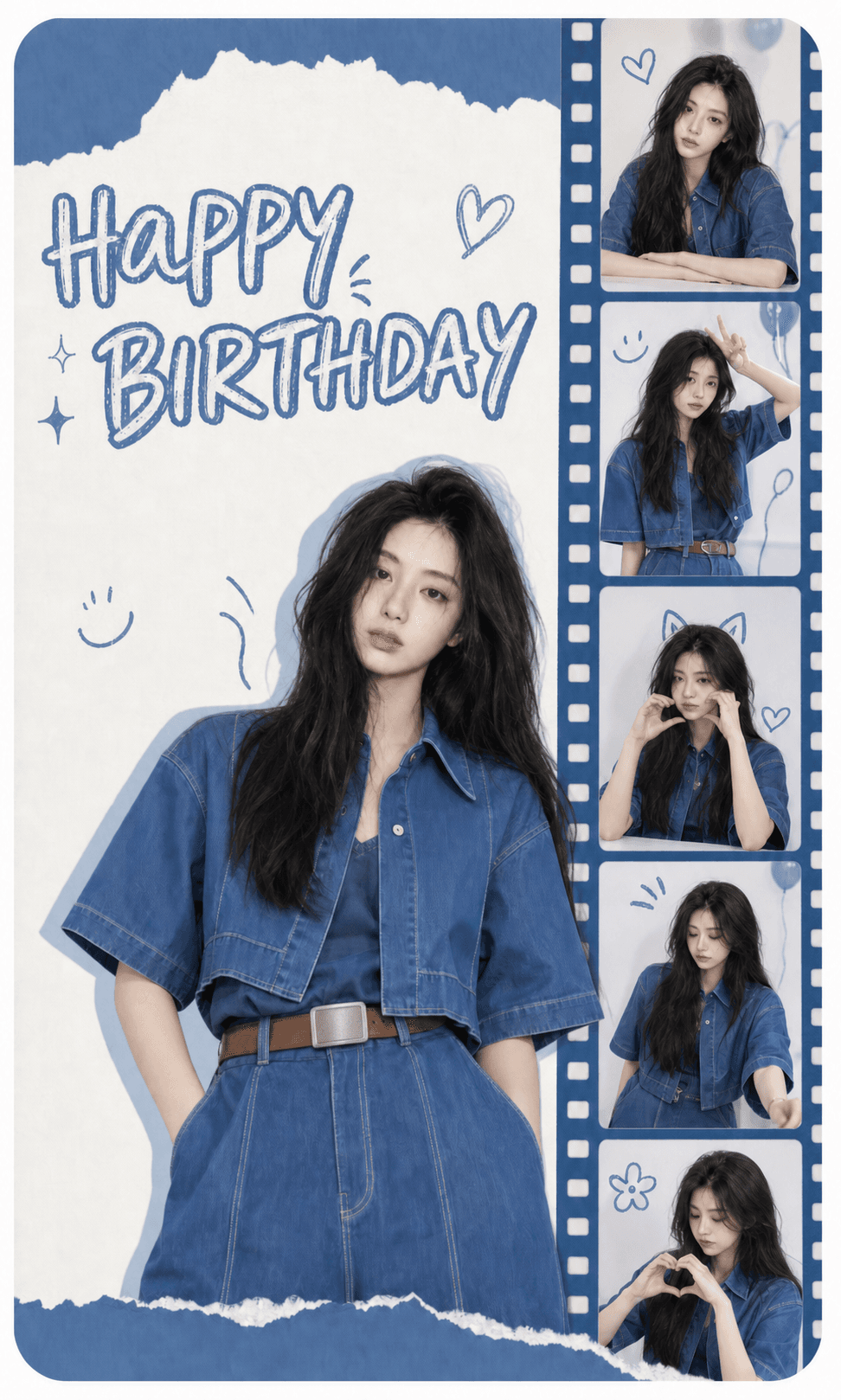
Blue paper textures with a vertical filmstrip collage.
Artist-made by @photocardai
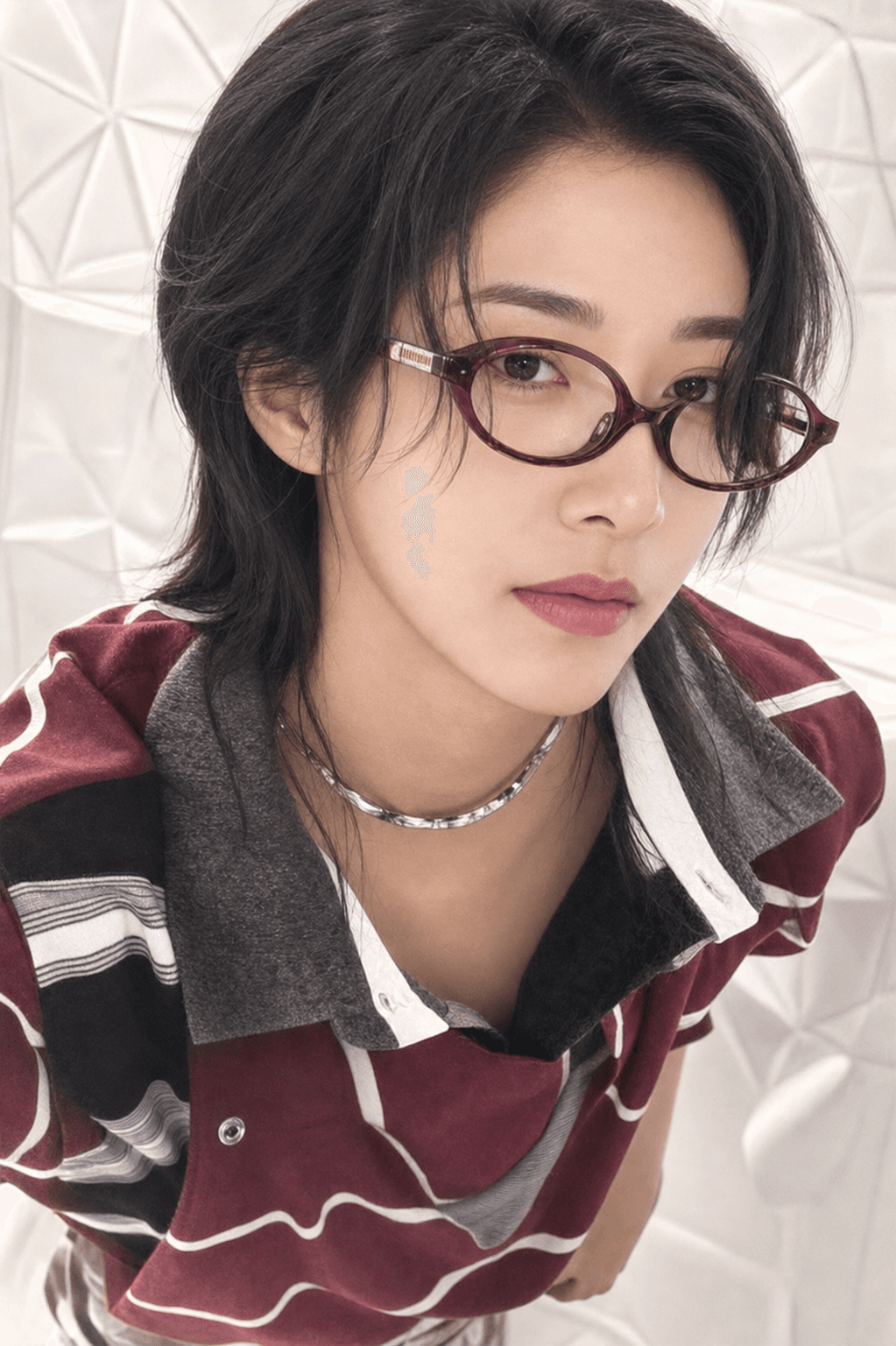
High-contrast direct flash in a clean black four-frame grid.
Artist-made by @photocardai
Aged paper, monochrome tones, and a heavily worn border.
Artist-made by @photocardai
Practical guides
Follow the same order as a real project: choose the physical format, make the card, then prepare a measured print.
Use the standard 55 × 85 mm K-pop photocard size with exact inch, pixel, bleed, safe-area, sleeve, and print-file guidance.
Read guideLearn how to make a fan-made K-pop photocard from a permitted portrait, from photo preparation and template choice to preview, export, and labeling.
Read guidePrint photocards at the correct size with A4 or US Letter sheets, Actual Size settings, crop marks, bleed, paper checks, and a measured proof.
Read guideCommunity favorites
Approved watermarked cards and the creators' own words. Team-made examples are labeled clearly while the community collection is still growing.
 Staff example
Created from one permitted portrait with a soft studio concept and a public watermarked preview.
Photocard.ai team
Soft studio concept
 Staff example
Built with the exact two-photo requirement shown by the notebook birthday template.
Photocard.ai team
Notebook Scrapbook
 Staff example
Arranged as a four-frame booth sequence while keeping the clean owner files private.
Photocard.ai team
Soft Flash
Quick answers
Yes. Upload a clear portrait that you have permission to use, choose an original K-pop-inspired template, and review the watermarked result before downloading anything.
You can create a free watermarked preview. Clean high-resolution, native 4K, and print-ready files require an HD pull.
Your upload remains the identity reference. The workflow restores and checks the protected source-face region, while clothing, styling, pose, background, lighting, and composition may be reimagined.
An HD unlock includes a native 4K master, a clean 55 × 85 mm card, a full-bleed file, and prepared A4 and US Letter Print Kits.
Simple pull pricing
Generation succeeds before a pull is charged. Failed generation or face-lock checks release the reservation automatically.
$9.99 /month
150 HD pulls every month
4K PNG, Print Kit, and every social export.
$69.99 /year
150 HD pulls issued monthly
Best value. Annual billing with monthly pull grants.
$4.99 one-time
30 HD pulls, no expiry
Includes native 4K and Print Kit downloads.